 CollectiveRay
Actionable Tips For People Who Work with Websites
CollectiveRay
Actionable Tips For People Who Work with Websites
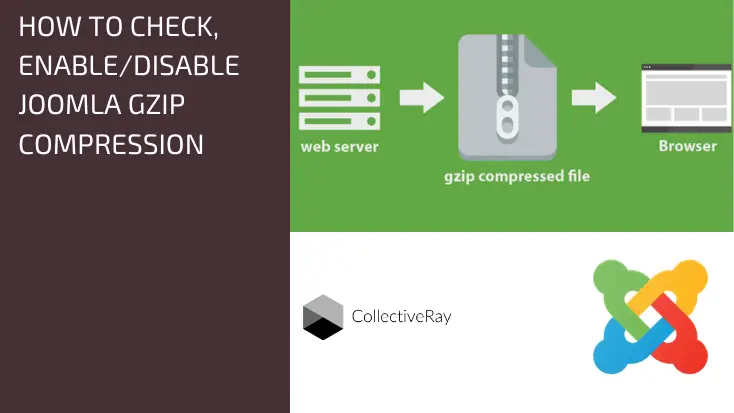
How to Check, Disable or Enable Joomla GZip Compression
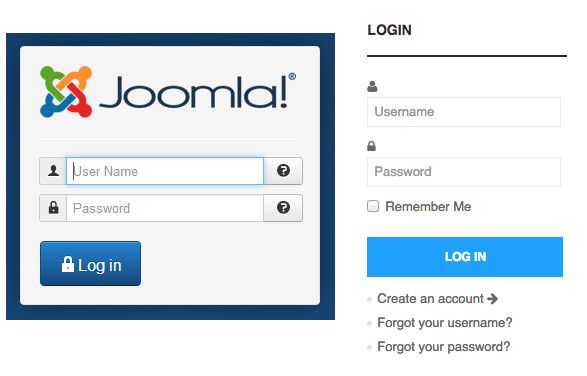
What is the Joomla Admin URL and Login URL?
[How to] Empty Joomla Trash, Publish or Delete Content Items Permanently
[How to] Create a Favicon and Apple Icon for your Website
[How To] Link your Logo to the Joomla Homepage
[How To] Use Joomla LoadPosition + LoadModule to Put a Module in an Article
Enable/Disable Joomla Cache to Improve Performance [How To]
Joomla Homepage: How To Customize/Edit The Joomla Front Page
[How to] Change Joomla Footer or Remove Powered By/CopyRight
Essential, but Easy Joomla Tips and Tricks for everybody
Small snippets of information for Joomla newbies, webmasters and developers and designers. The below are some of the topics which we cover. Our Joomla tips and tricks will have your back.
Essentially, the idea behind our Joomla tips articles are small, short articles which describe how to do something really simple, really quickly.
While this might seem or feel trivial to people who use the CMS extensively, those who are not using it on a daily basis, might struggle to find where and how to do certain things, leading to plenty of frustration.
Our tips for Joomla aim to do just that, simplify how to get things done.
Making your website load faster
Time and time again, we've discussed how fast websites are a positive user experience and can actually make a significant improvement in your conversions and revenues.
For this reason, we've dug deeply into Joomla's functions and suggested all of the way you can use to make your J! website load faster.
We've discussed HTTP2, using Gzip compression, minifying and combining files, using JCHOptimize extension, how to choose a good host for a faster response time, and why using the various forms of Joomla cache functions to ensure the generation times of each of your pages are as fast as possible.
If you follow our tutorials, or even better, subscribe to our free email course, we guarantee that the end-result will be a website which loads in less than 3 seconds - which is the recommended benchmark value all websites should aim for.
Administration of your website
Once again, when you're not in the business of web-design, some administrative and management functions of Joomla might not come too easy to you.
So we've also prepared a good number of tutorials regarding administration maintenance. We've also got a lot of tweaks and suggestions we've done, and we believe you can (or should implement) on your website too.
Some of the things we've mentioned:
- How to Reset your password if you forget it - something which happens very often, we recommend all the safe ways of gaining access to your website
- How to reduce the total size of your website by compressing images automatically - again, by doing this using a good, reliable plugin, you reduce a lot of manual work, while also making your website faster
- How to make your website safer by removing a number of extensions and plugins (and which ones are safe to remove)
Tweaking your website for specific needs
Another popular topic which we write about it is, tweaking the functions or templates of your website to achieve certain normal or desirable functions.
- Linking your logo to the homepage - this is a standard piece of functionality, we explain how to go about doing this
- Removing the Joomla footer - again, if you're not happy with the "Powered by" footer, we show you how to remove these credits from various templates, vendors or the core J!
- How to change the frontpage look and feel and the default homepage - again this is run of the mill, popular stuff, which quite a few people get stuck in, so we explain it all easily.
These are certainly not the only topics we've discussed. So stick around, have a look at the listing of all our articles. And as always, we are always happy with your comments and feedback so do let us know what you'd like to learn about.
Author(s) Featured On: 



 and many more ...
