 CollectiveRay
Actionable Tips For People Who Work with Websites
CollectiveRay
Actionable Tips For People Who Work with Websites
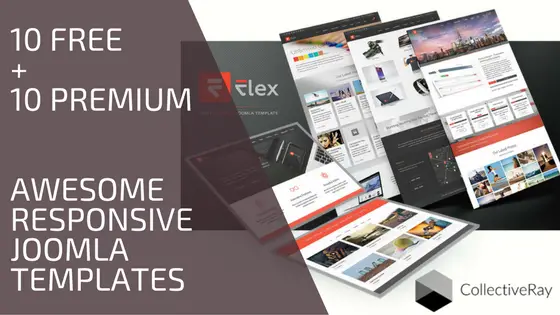
20 Awesome Responsive Joomla Templates (10 Free + 10 Premium)
19 Quick Joomla Tutorials for Beginners and Pros (2024)
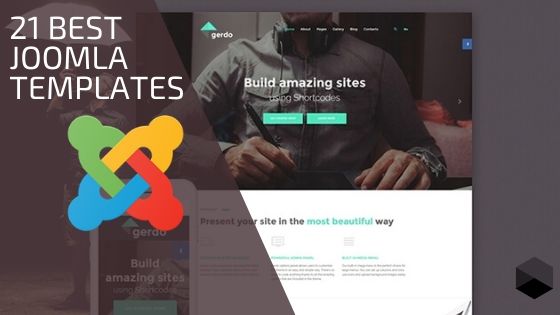
21+ Best Joomla Templates - Top Choices (Updated for 2024)
What is the Joomla Redirect Plugin? All You Need to Know
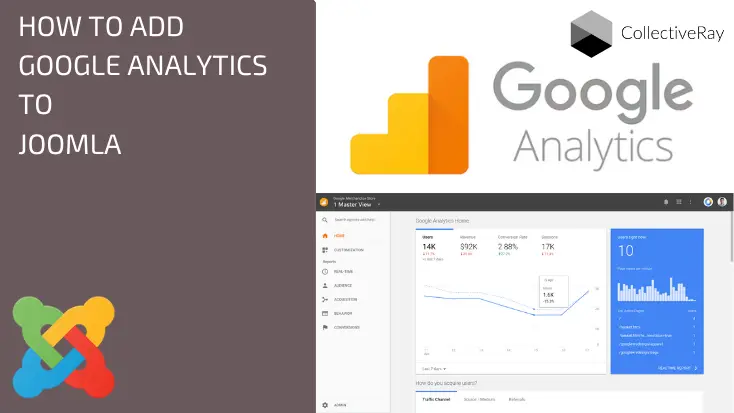
Add Joomla Google Analytics: 7 Easy Ways [Full Guide - 2024]
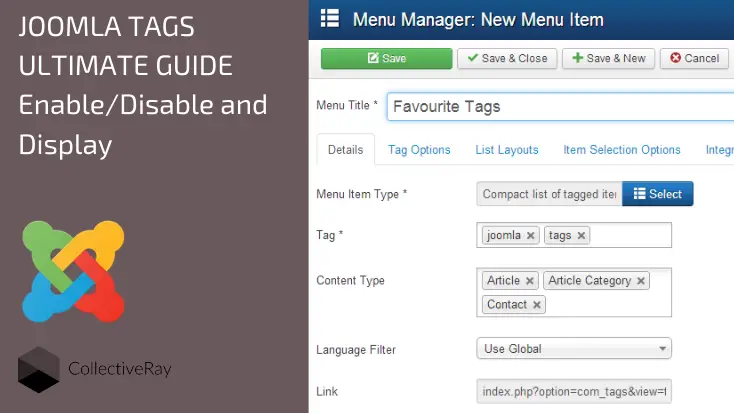
The Ultimate Guide to Using Tags in Joomla
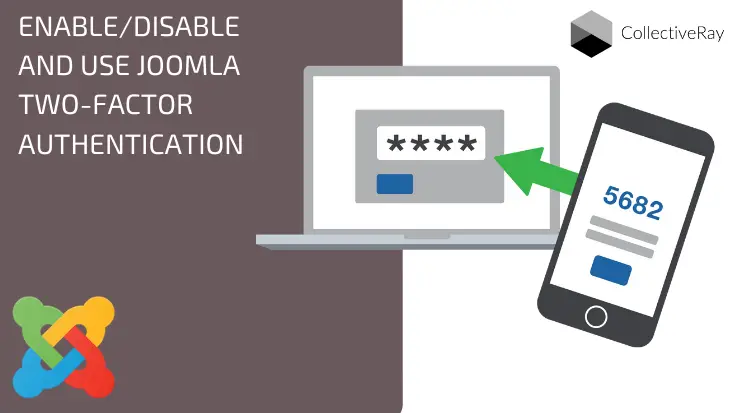
How to Enable, Disable and Use Joomla 2 Factor Authentication
9 Joomla Blank Page (White Screen of Death) Proven Solutions

25 Best Joomla SEO Tips To Boost Your Site Rank Fast (2024)
Step by Step Joomla Tutorials for managing your website successfully
This category of Joomla Tutorials is a series of articles on how to get the most of your Joomla! installation.
As you probably know, Joomla! is a free and open-source CMS, which is the 2nd most-popular way of creating a website, right after WordPress.
It powers literally hundreds of thousands of websites, a force to be reckoned with.
The potential of this free content management system to webmasters has been proved over and over again, so why don't you jump on the bandwagon, and see what it can offer to you, both as a webmaster and as a website owner.
We've been working with Joomla ever since it forked from its previous version, Mambo - which has since then been relegated to a remnant of the (not so) recent tech past.
Given our vast experience with this CMS, we've built a significant set of skills and plenty of experience to be able to resolve and figure out ways of doing things, which most new people using it, will find fairly difficult to complete.
We then sat down and typed it all up in a language that a normal website administrator can understand.
This section is, in fact, a series of articles about various ways of getting benefits out of your J! website.
But what have we discussed in these articles? Let's mention a few of the more popular items, topics and things we've written about.
Just as always with the articles on CollectiveRay, we make sure that we cover a topic from every possible angle - simply put, if you landed on your website with a specific question, we want you to leave, satisfied that you found the answer to the problem which you previously had.
Templates for your website
As always one of the most popular items when working with any CMS, is how to make your website look great by using a template or theme. So one of the things we do is, create a roundup of great themes or templates which you can use for your website.
Sometimes we go for free templates, and something these are premium.
We are always of the opinion that for a few dollars, you should always opt for a professional looking, premium theme, rather than a free theme. The quality will show, both in the look of the template (and eventually your website) and the quality of the code which is used to develop the template.
Simply put, free templates typically have poor code sitting behind them, so we highly recommend going for a premium theme.
We like working with providers such as ThemeForest, TemplateMonster, Joomlart and a number of others. These are a few of our more popular tutorials for Joomla.
Extensions and plugins
You might probably know this already, but one of the stronger points of a CMS is highly dependent on how many plugins are actually available for that CMS or framework.
The Joomla JED (or Extensions Directory), as at the time of writing hosts close to 8000 extensions.
That means, you're probably able to implement whatever extension you need with J! to create any kind of required functionality. And we're not speaking about comments and forums. We're speaking about booking extensions, real-estate and / or car showrooms, niche functions, galleries - you name it, it's probably been done several times.
In our tutorials, we identify a few of our favourite needs and plugins and give a detailed post about them, how best to use them, their benefits, price and plenty more.
- We've also done roundups of the best Joomla extensions and also specific niche roundups.
For example, we've review JFBConnect - a plugin for integrating your website with Facebook, a list of must-have extensions for your website and plenty more.
Specific Joomla Tutorials about specific functions
Again, some of the functions of the CMS are quite extensive. In this case, we will typically create a full Joomla tutorial around a specific function, to fully explain that specific feature or function of Joomla.
Below are a few of our best tutorials:
- A complete description of using tags in Joomla - back when v3 was launched, tags were one of the more popular features. We covered this in plenty of detail from every aspect.
- Two-factor authentication - this Joomla tutorial on all the ways you can enable or disable 2Fa for your J! website has been very very popular.
- Joomla Template positions - again, another tutorial which has been growing over the years, we've released various updates to this article always updating for the latest versions of the CMS and any changes in the way templates worked over the years.
Joomla Security
We've also covered a lot of aspects which have to do with Joomla security in general. Security is a topic which is quite close to our heart. It's not something which comes easy to most people, so we strive to create posts and tutorials which simplify the complex tasks of making your website more secure, by taking specific beginner and advanced actions.
As always, we're happy to improve our tutorials as we discover updates and ways to make things better, so as always, keep in touch, we enjoy hearing from our users.
Author(s) Featured On: 



 and many more ...
